
Ports
Check HDMI, USB-A, Ethernet, SD card, and PD charging support.
Display
Confirm your laptop supports video output over USB-C before buying a hub.
Desk setup
Pair hubs with stands, chargers, Ethernet, HDMI, and mouse accessories.
Use case
Separate office, student, gaming, and travel accessories before comparing price.
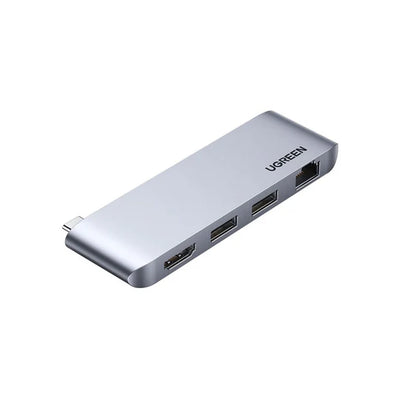
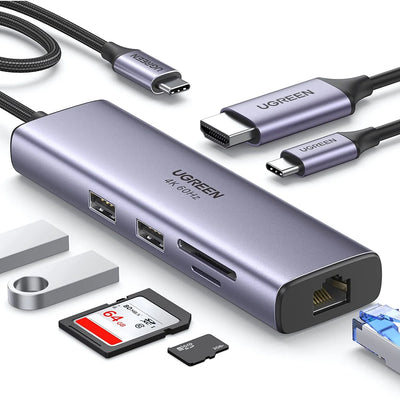
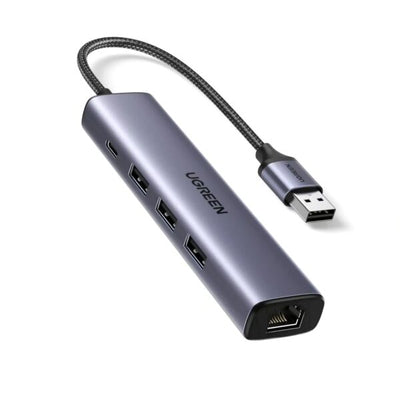
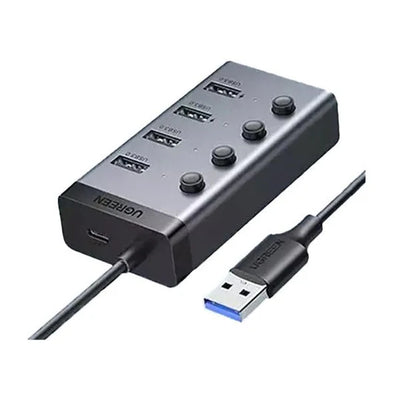
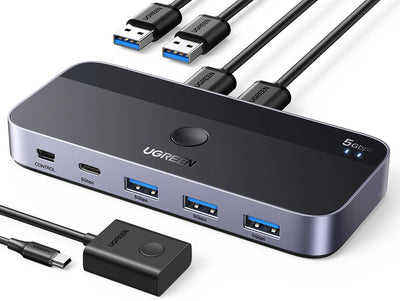
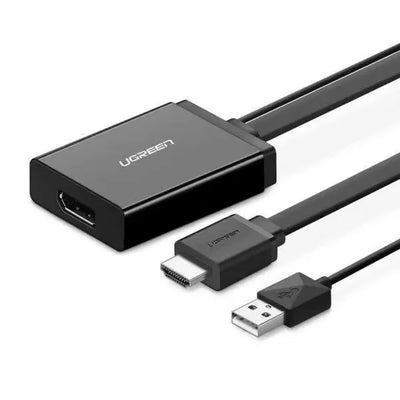
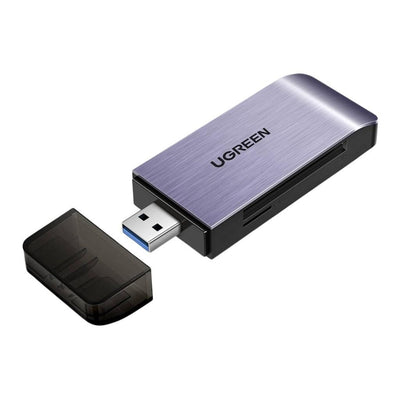
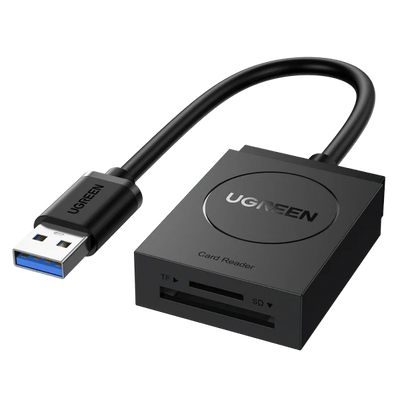
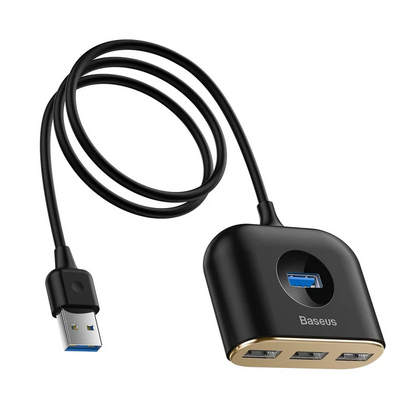
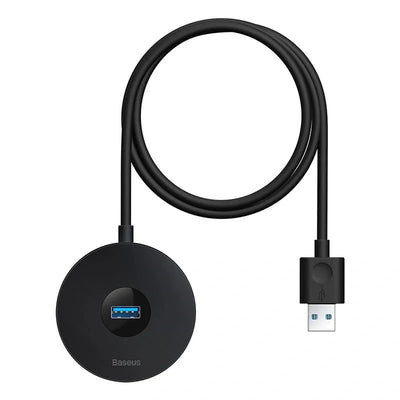
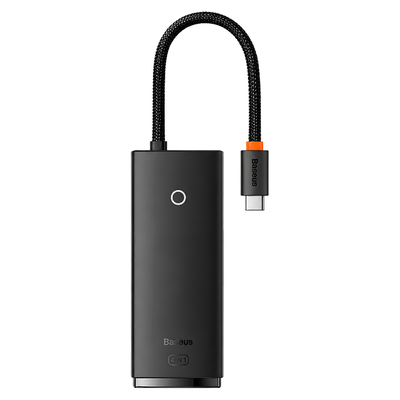
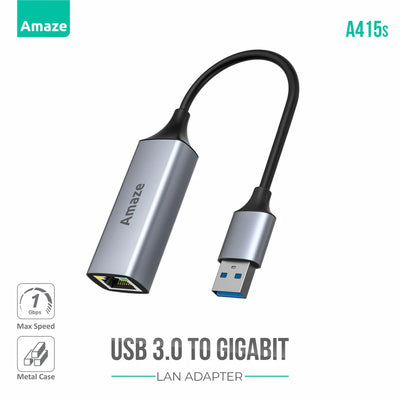
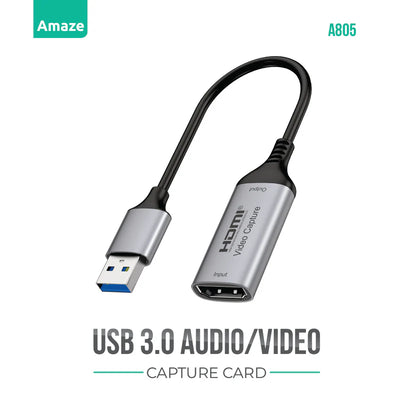
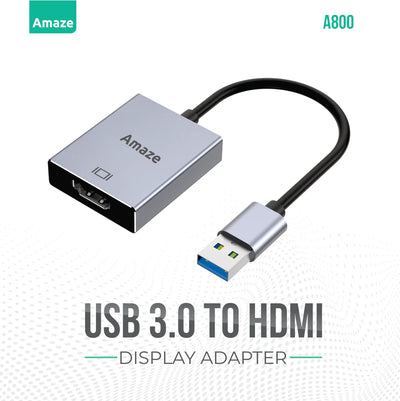
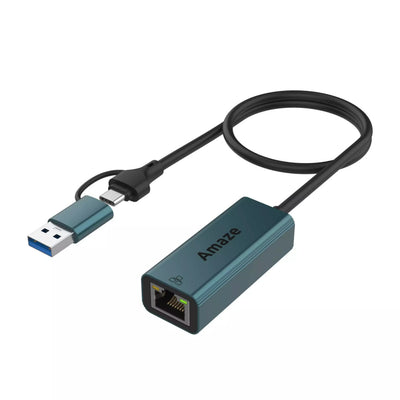
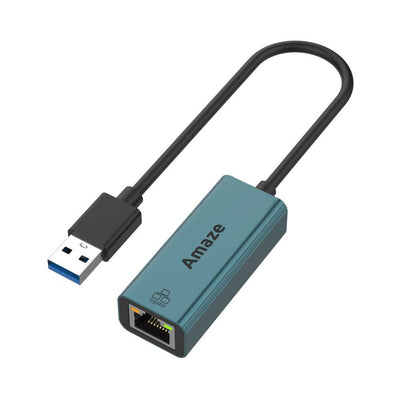
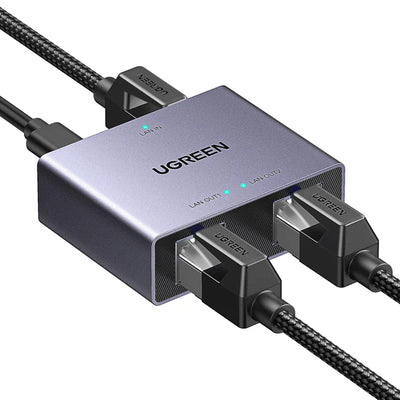
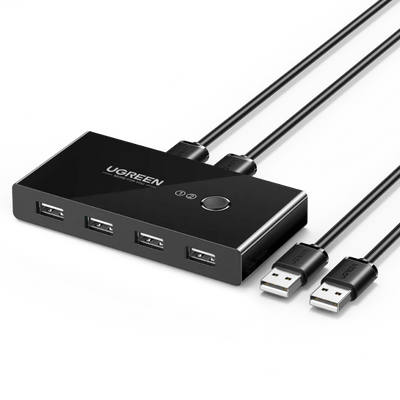
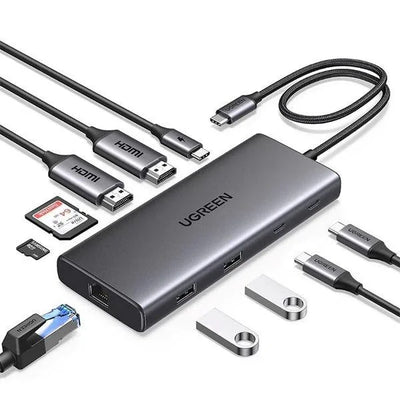
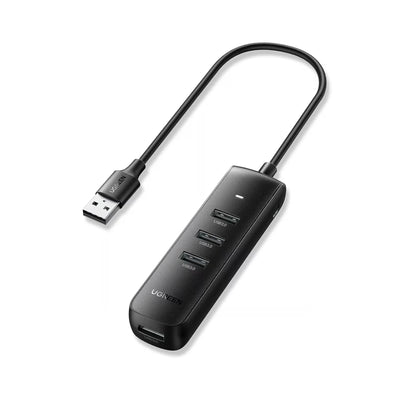
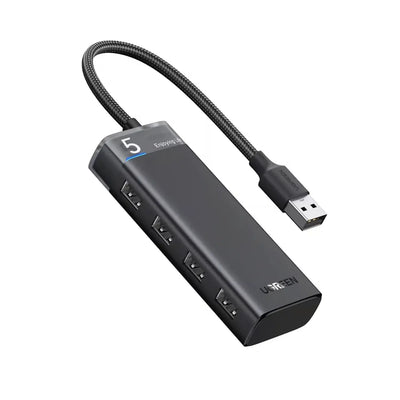
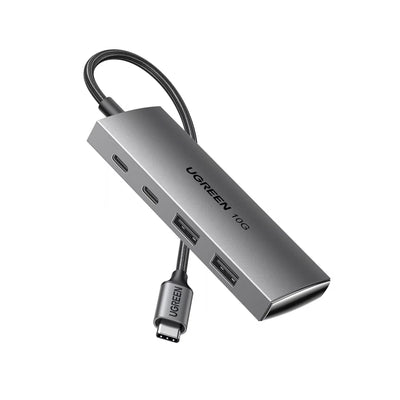
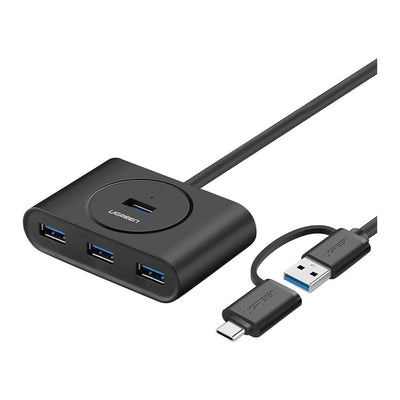
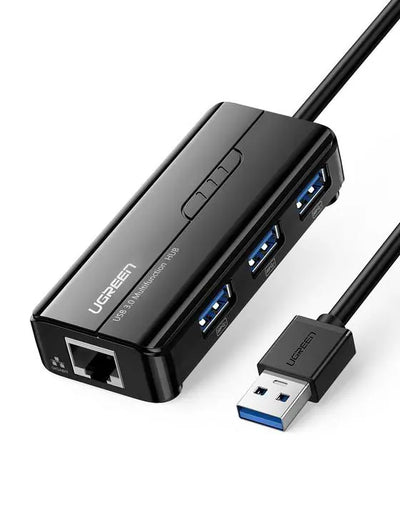
USB Hubs buying guide for Pakistan
Best starting point
For computer accessories, compatibility is the main buying filter. Confirm ports, HDMI resolution, Ethernet, PD charging, card reader support, and whether your laptop or tablet supports video output from USB-C.
Compare USB Hubs by compatibility, price, listed support terms, delivery options, and daily use. Open the product page to confirm the exact model, variant, specifications, and availability before checkout.
USB Hubs FAQs
How much does a USB-C hub cost in Pakistan?
The current price depends on port count, HDMI resolution, Ethernet speed, USB data speed, card readers, Power Delivery pass-through, brand, and stock. Compare live listings by the ports you actually need.
Are cheaper USB-C hubs worth it?
A simple hub can be enough for basic USB devices, but display, Ethernet, fast storage, and charging need clearer specifications. Confirm laptop video support, PD limits, port speeds, heat, and compatibility before choosing only by price.
What ports should a laptop USB hub include?
Choose around your setup: USB-A for accessories, HDMI for a display, Ethernet for wired internet, SD or microSD for media, and USB-C PD pass-through for charging. Your laptop must support the required feature over its USB-C port.