
 1 / 8
1 / 8 Click image to magnify
UGREEN Ergonomic Mouse Wireless Bluetooth Vertical Mouse Dual Mode (BT 5.4 & USB 2.4G) – 65042
Cash on Delivery adds 4% to your order total at checkout. Choose bank deposit to avoid the COD charge.
Get notified when this is back in stock
Enter your email and the TechAndExperts team will contact you when this exact variant is available again.
Delivered across Pakistan
Compatibility help available
7-day policy
WhatsApp help
These notes summarize information in this listing and model-specific compatibility checks. They are not a hands-on or laboratory test.
- Superior ergonomic design with 57° tilt for comfort.
- Dual-mode connectivity (Bluetooth 5.4 & 2.4GHz) for versatile use.
- Silent clicks and scroll wheel for a quiet workspace.
- Batteries are not included in the package.
Product details
Specifications, compatibility and what to check before ordering.
UGREEN Ergonomic Mouse Wireless Bluetooth Vertical Mouse Dual Mode (BT 5.4 & USB 2.4G)
Wireless mouse Ugreen M571 2.4GHz + BT (black)
The Ugreen M571 mouse features an ergonomic pionewm shape and a 57° tilt to prevent hand and wrist fatigue during long computer work. Quiet operation, a 2.4GHz wireless connection or Bluetooth (short-range wireless technology) and 4-position DPI (dots per inch, the number of dots per inch) sensitivity adjustment are just some of the features that make this model an ideal choice for both office and remote work.

Less fatigue, more productivity
Ugreen The M571 uses a pionew layout mount, which positions the hand in a natural position. The 57° tilt angle puts less tension on the muscles, reducing the risk of carpal tunnel syndrome and pain with prolonged use. The mouse will work well for people with both large and smaller hands.

Silent operation
Thanks to Silent Touch technology, clicks are almost silent. In addition, the silent scroll makes it easy to scroll through pages without annoying sounds, making this model ideal for home, library or open office spaces.

Greater energy savings
The device is equipped with a power-saving chip and a dual sleep mode: the first activates after 3-5 seconds of inactivity, the second – after 10 minutes. As a result, the mouse saves battery life and can run for up to 12 months on a single set (bateries not included).

Versatile wireless connectivity
The Ugreen M571 supports 2.4GHz technology with a range of up to 15 meters and Bluetooth. You can enjoy seamless connectivity to your laptop, computer or tablet – without the need to install drivers.

The precision you need
The mouse offers four levels of DPI sensitivity: 1,000 / 1,600 / 2,000 / 4,000, so you can adjust the cursor speed to your preference or type of work – from everyday browsing to precision graphics processing.

Refined details
The non-slip surface is sweat-resistant, and the silikonew scroll wheel enhances comfort. In addition, teflonew sliders guarantee smooth movement, and a practical storage compartment for the USB receiver (Universal Serial Bus, universal magistral serial) prevents its loss. All with your convenience in mind!

No verified buyer reviews yet
Be the first to share your experience with this product, or ask our team to confirm fit and compatibility before ordering.
You May Also Like
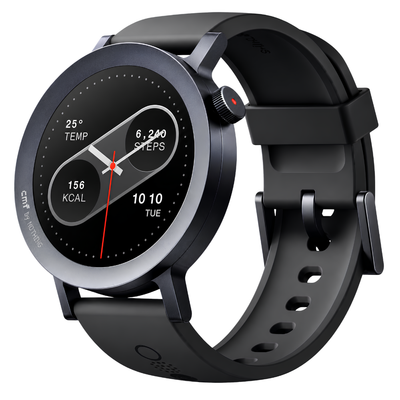
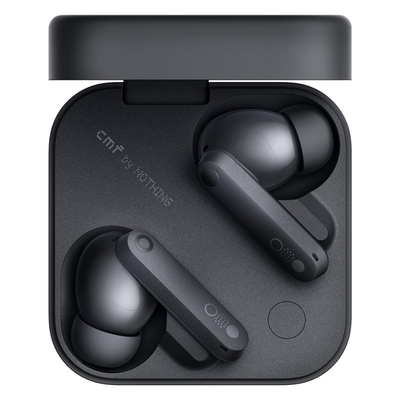
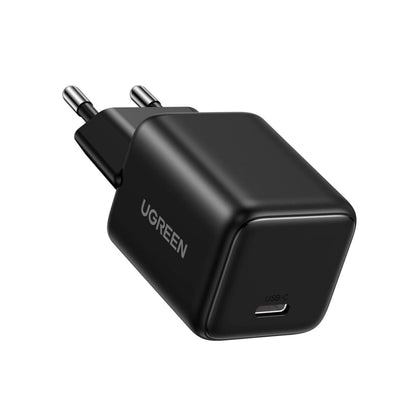
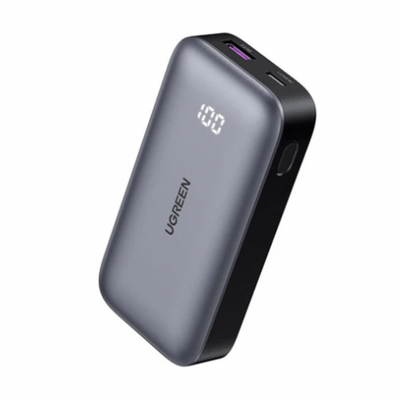
Recommended accessories and same-brand picks so shoppers can compare useful alternatives before checkout.
UGREEN Ergonomic Mouse Wireless Bluetooth Vertical Mouse Dual Mode (BT 5.4 & USB 2.4G) – 65042 FAQs
Quick answers for the checks customers usually make before ordering tech accessories online in Pakistan.
What product details should I verify before ordering UGREEN Ergonomic Mouse Wireless Bluetooth Vertical Mouse Dual Mode (BT 5.4 & USB 2.4G) – 65042?
Review the product title, model number, photos, specifications, seller-provided brand information, and any warranty terms shown on this page. Contact TechAndExperts before ordering if you need confirmation about the supplied variant or documentation.
How do I know this product is compatible with my device?
Check the product title, variant, connector, size, model notes, and product images before checkout. If you are unsure, message TechAndExperts before ordering so the team can confirm the right fit.
What should I compare before buying?
Compare the listed features with your daily use case, because the right choice depends on compatibility, current availability, listed support terms, delivery time, and how you plan to use the product.
What should I check in the product photos?
Review all product images, selected variant names, and written specifications before checkout. For tech accessories, small differences in connector, model, wattage, or case cutout can change compatibility.
Can I order this with cash on delivery in Pakistan?
Cash on Delivery is available for eligible orders in Pakistan with a 4% COD charge added at checkout. Delivery timing depends on your city, courier route, and stock availability at the time of order confirmation.
What if I receive the wrong item or a faulty product?
Contact TechAndExperts support quickly with your order details, product photos, and packaging photos. The team can guide you through warranty, exchange, or return steps according to the store policy.
Can TechAndExperts help me choose before I order?
Yes. If you are choosing between similar products, message TechAndExperts on WhatsApp before ordering. The support team can help compare compatibility, use case, and stock availability.
Should I buy only by the lowest price?
Avoid choosing only by the lowest price. For accessories, device compatibility, safety details, listed support terms, cable quality, and after-sale help usually matter more than a small price difference.
