
 1 / 3
1 / 3 Click image to magnify
UGREEN USB 3.0 Multifunction Card Reader – 60722
Cash on Delivery adds 4% to your order total at checkout. Choose bank deposit to avoid the COD charge.
Get notified when this is back in stock
Enter your email and the TechAndExperts team will contact you when this exact variant is available again.
Delivered across Pakistan
Compatibility help available
7-day policy
WhatsApp help
These notes summarize information in this listing and model-specific compatibility checks. They are not a hands-on or laboratory test.
- Supports 4 major card formats (SD, Micro SD, CF, MS)
- Achieves true USB 3.0 speeds for quick transfers
- Compact, portable, and truly plug-and-play
- No USB-C port for newer devices (requires adapter)
Product details
Specifications, compatibility and what to check before ordering.
UGREEN USB 3.0 Multifunction Card Reader
Multi-card Compatibility
Say goodbye to the hassle of using different card readers for SD, Micro SD, CF, and MS cards. The UGREEN 60722 supports a wide range of memory card formats, making it incredibly versatile.
USB 3.0 Speed: UGREEN 60722
Experience blazing-fast data transfer speeds with USB 3.0 technology. Whether you’re transferring large files or editing high-resolution photos and videos, you’ll appreciate the efficiency of USB 3.0.
Compact Design
With its compact and lightweight design, this card reader is highly portable. Slip it into your bag or pocket, and you’ll have access to your data wherever you go.
Plug-and-Play: UGREEN 60722
No drivers or software installation required. Simply plug the 60722 into your USB port, and you’re ready to start transferring files instantly.
LED Indicator
Stay informed about the status of your data transfers with the built-in LED indicator. Whether it’s reading, writing, or idle, the LED provides clear visual feedback.
How to Use: UGREEN 60722
Using the 60722 USB 3.0 Multifunction Card Reader is a breeze:
Insert the Memory Card
Insert your memory card into the corresponding slot on the card reader. The device supports SD, Micro SD, CF, and MS cards.
Connect to USB Port: UGREEN 60722
Plug the card reader into an available USB 3.0 port on your computer or laptop. The card reader is also backward compatible with USB 2.0 ports, although you’ll experience slower transfer speeds.
Transfer Files
Once connected, your computer should automatically detect the card reader. You can now transfer files to and from your memory card as you would with any other external storage device.
Eject Safely: UGREEN 60722
After you’ve finished transferring files, make sure to safely eject the card reader from your computer to avoid data corruption. This can typically be done by right-clicking on the device icon in your file explorer and selecting “Eject.”
Conclusion
The 60722 USB 3.0 Multifunction Card Reader is a game-changer for anyone who frequently works with memory cards. Its versatile compatibility, fast data transfer speeds, and user-friendly design make it an essential tool for photographers, videographers, and anyone who values efficiency and convenience. Say goodbye to the hassle of juggling multiple card readers and streamline your workflow with the UGREEN.
No verified buyer reviews yet
Be the first to share your experience with this product, or ask our team to confirm fit and compatibility before ordering.
You May Also Like
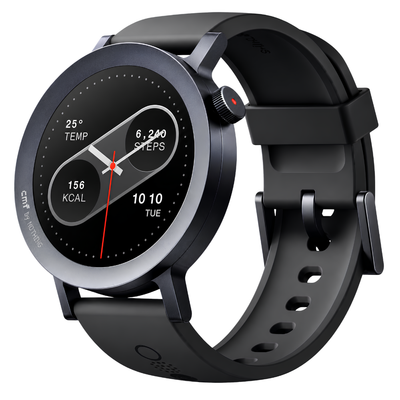
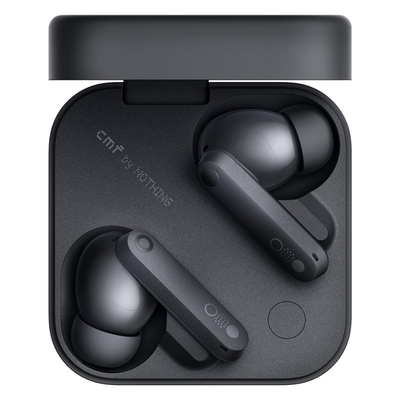
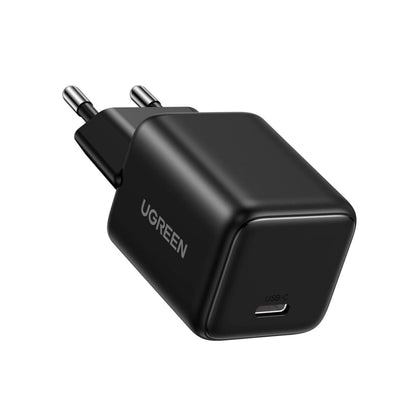
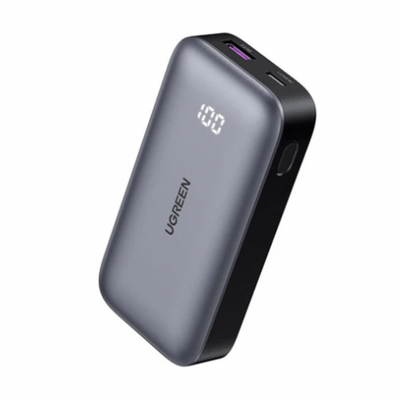
Recommended accessories and same-brand picks so shoppers can compare useful alternatives before checkout.
UGREEN USB 3.0 Multifunction Card Reader – 60722 FAQs
Quick answers for the checks customers usually make before ordering tech accessories online in Pakistan.
What product details should I verify before ordering UGREEN USB 3.0 Multifunction Card Reader – 60722?
Review the product title, model number, photos, specifications, seller-provided brand information, and any warranty terms shown on this page. Contact TechAndExperts before ordering if you need confirmation about the supplied variant or documentation.
How do I know this product is compatible with my device?
Check the product title, variant, connector, size, model notes, and product images before checkout. If you are unsure, message TechAndExperts before ordering so the team can confirm the right fit.
What should I compare before buying?
Compare the listed features with your daily use case, because the right choice depends on compatibility, current availability, listed support terms, delivery time, and how you plan to use the product.
What should I check in the product photos?
Review all product images, selected variant names, and written specifications before checkout. For tech accessories, small differences in connector, model, wattage, or case cutout can change compatibility.
Can I order this with cash on delivery in Pakistan?
Cash on Delivery is available for eligible orders in Pakistan with a 4% COD charge added at checkout. Delivery timing depends on your city, courier route, and stock availability at the time of order confirmation.
What if I receive the wrong item or a faulty product?
Contact TechAndExperts support quickly with your order details, product photos, and packaging photos. The team can guide you through warranty, exchange, or return steps according to the store policy.
Can TechAndExperts help me choose before I order?
Yes. If you are choosing between similar products, message TechAndExperts on WhatsApp before ordering. The support team can help compare compatibility, use case, and stock availability.
Should I buy only by the lowest price?
Avoid choosing only by the lowest price. For accessories, device compatibility, safety details, listed support terms, cable quality, and after-sale help usually matter more than a small price difference.
